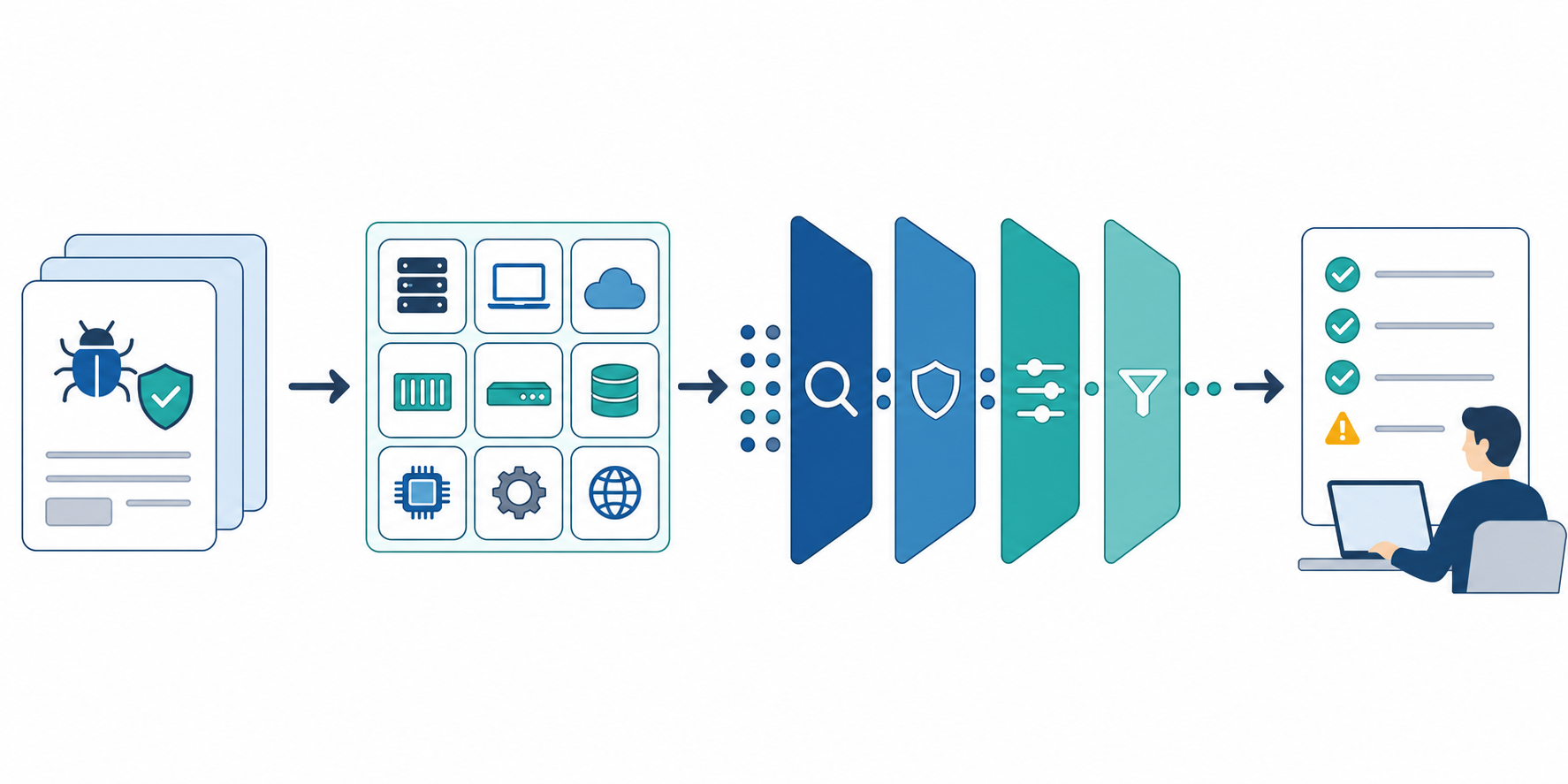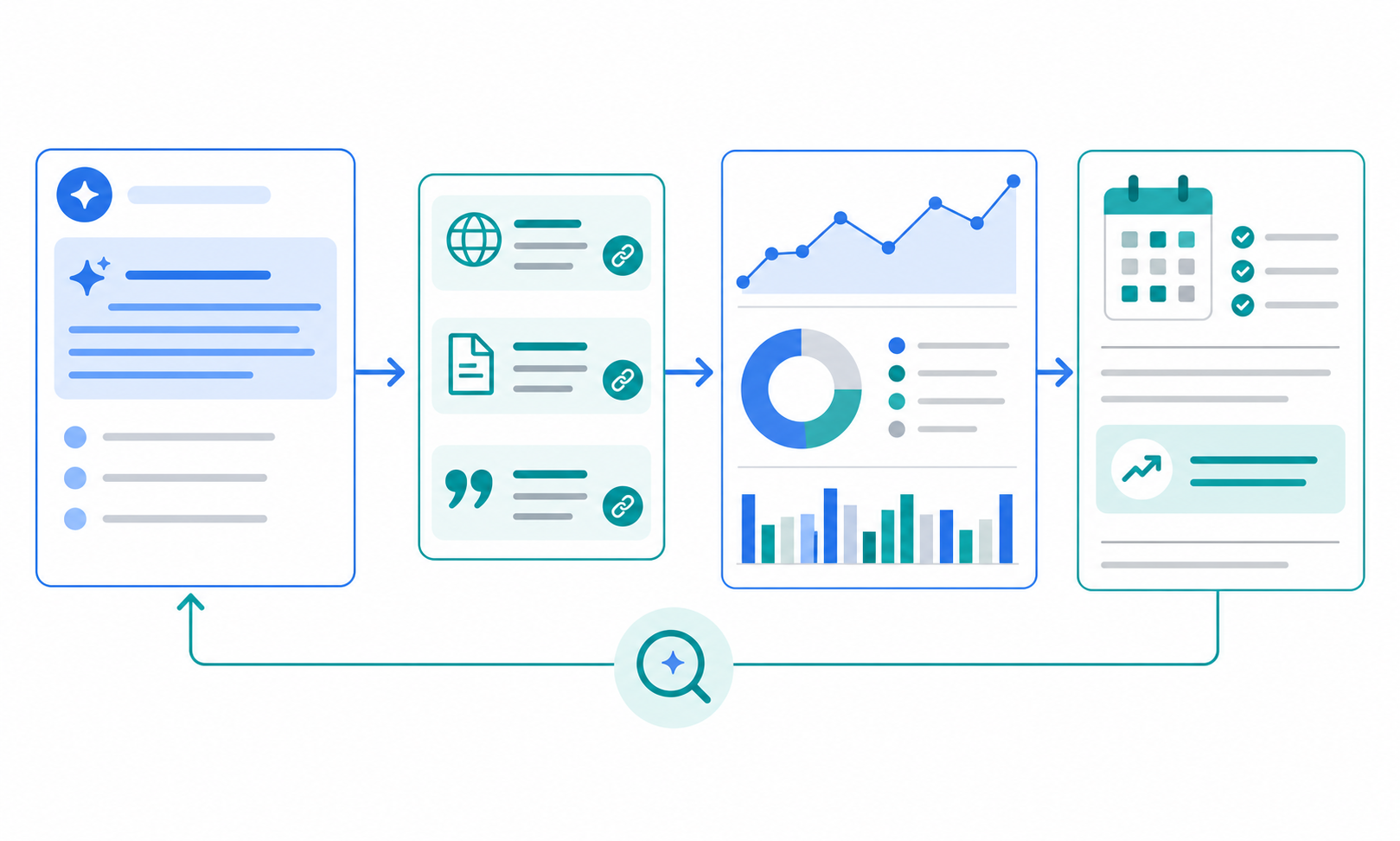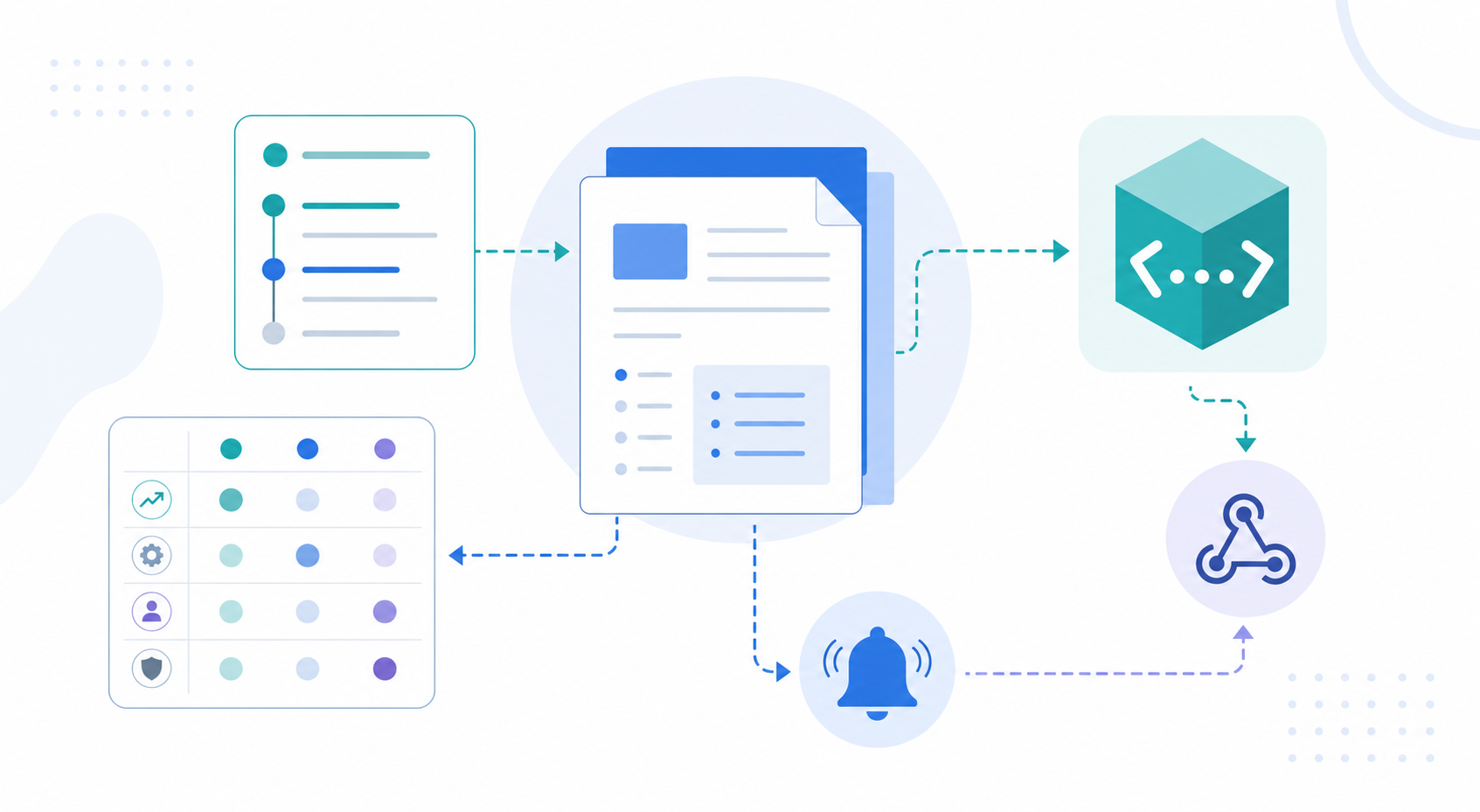
Teams that depend on external APIs rarely get one neat update stream. Release notes, API versions, SDK releases, sample code, webhook docs, and migration guides often change in different places. If you only monitor feature announcements, you can miss breaking changes, deprecations, new authorization scopes, webhook payload changes, or documentation corrections that affect implementation work.
This guide shows how to monitor API and developer documentation changes from public sources, classify them by implementation impact, and pass the right items to engineering, security, support, or customer integration owners.
The short answer: read API updates by impact, not announcement size
- Set official changelogs, API versions, SDK releases, and migration guides as separate sources.
- Prioritize breaking changes, deprecations, auth and permission changes, response formats, webhooks, and limits.
- Record the confirmed change, scope, deadline, and required review in the same table.
- Alert only when a change has migration, outage, security, or customer-integration risk.
- Record no-change results with the checked sources and review period.
The goal is not to read every developer update. The goal is to find the changes that touch your implementation, customer integrations, internal tools, or operating procedures.
Why API changes are easy to miss
API information is more fragmented than a product launch post. As of July 12, 2026, major platforms use several surfaces to communicate developer-facing changes.
- Stripe's API upgrades page explains that the API version affects response and webhook behavior, and points developers to the Developer Changelog.
- GitHub's REST API versioning docs say changes are communicated through release notes, changelogs, and direct communication. In March 2026, GitHub published REST API version 2026-03-10 with breaking changes.
- Google Workspace developer release notes list API-specific updates, including a July 9, 2026 Chat API entry about granular access permissions for spaces.
- Gemini API release notes publish dated developer updates, including an Interactions API logging update on July 6, 2026.
If you compress those into "new feature updates," you lose the migration date, affected version, auth scope, SDK status, and testing path. Implementation-impact monitoring needs a different structure.
Step 1: split the source map into four types
Start by pinning the official pages you will check. A recurring search query is too easy to pollute with secondary coverage or old documentation.
| Source type | What to inspect | Why it matters |
|---|---|---|
| API changelog / release notes | versions, breaking changes, deprecations | finds changes that may require action |
| API reference | parameters, responses, errors, authentication | confirms implementation differences |
| SDK release | dependencies, types, sample code | shows what may affect local code |
| Migration / upgrade guide | steps, deadlines, verification method | turns a change into work planning |
In Stratum Flow, one job accepts one Seed URL. For a large API surface, create separate jobs for the changelog, reference, and SDK releases rather than forcing them into one feed. Seed URLs: Usage and Examples covers the setup.
For example, if you monitor the GitHub REST API, the first source map can look like this.
| Type | First URL to check | How to use it in Stratum Flow |
|---|---|---|
| Changelog | REST API version 2026-03-10 announcement | First Seed URL candidate |
| Versioning | REST API versioning | Add as an official source in the research instruction |
| Breaking changes | REST API breaking changes | Use for migration review |
| Reference | Reference pages for endpoints you use | Use for implementation-difference checks |
| SDK / library | Release pages for the official library or SDK you use | Use for local code impact checks |
In this example, the Seed URL points to the changelog because it concentrates changes. Reference pages and SDK release pages belong in the research instruction as official sources to check when the changelog item affects your implementation.
Step 2: define impact categories before collecting updates
API monitoring becomes more useful when it is grouped by impact category instead of update count. These six categories are a practical starting point.
| Category | Changes to watch | Primary owner |
|---|---|---|
| Breaking change | removed fields, type changes, behavior changes | Engineering, QA |
| Deprecation | sunset notices, deadlines, replacement APIs | PM, Engineering |
| Auth / permission | scopes, admin consent, access rules | Security, Admin |
| Webhook / event | payload, signature, retry, event names | Integrations, SRE |
| Rate limit / quota | limits, billing unit, plan differences | Operations, Finance |
| Docs-only correction | samples, explanations, error text | Support, DevRel |
Do not ignore docs-only corrections. The API may not have changed, but a corrected sample, error explanation, or setup step can still require support documentation or customer instructions to change.
Step 3: convert each update into an impact note
Use the same fields every time so the weekly review starts with action, not reading.
| Field | What to write |
|---|---|
| Change | What the official source confirms |
| Source | URL, published date, checked date |
| Affected surface | API, SDK, webhook, docs, admin console |
| Impact category | Breaking / Deprecation / Auth / Webhook / Quota / Docs |
| Required action | Test, migrate, update docs, notify customers, no action |
| Owner | Engineering, security, support, PM, or another role |
When you use AI summaries, put this table directly in the research instruction. How to Write Effective Research Instructions is the right reference for controlling scope and output format.
Using the GitHub REST API version 2026-03-10 announcement, an impact note would be this specific.
| Change | Source | Affected surface | Impact category | Required action | Owner |
|---|---|---|---|---|---|
| REST API version 2026-03-10 was released and includes breaking changes | GitHub Changelog, published 2026-03-12, checked 2026-07-12 | API version / breaking changes | Breaking change | Compare used endpoints against the breaking changes docs and review the X-GitHub-Api-Version migration plan |
Engineering, QA |
That turns a release announcement into a reviewable implementation item: which surface changed, what needs checking, and who should own it.
Step 4: separate immediate alerts from weekly review
Developer updates become noise if every changelog entry goes to Slack or Teams. Set the alert threshold first.
| Immediate alert | Weekly review |
|---|---|
| breaking-change notices, migration deadlines, auth scope changes | new optional parameters, sample additions |
| webhook payload compatibility changes | documentation wording corrections |
| limit, pricing, or plan-scope changes | small SDK type fixes |
| security or data-handling changes | preview feature clarifications |
A good alert only needs three pieces: what changed, where it may affect the implementation, and who should review it by when. Delivery setup is covered in How to set up Webhooks.
Step 5: define when monitoring becomes implementation review
Monitoring output should not stop at a summary. Define the handoff conditions.
- The update touches an API version, SDK, or webhook used in production.
- The official source confirms a deadline, effective date, or affected plan.
- The change touches customer integrations, internal automation, billing, or authentication.
- A person must decide whether to test, migrate, update internal docs, or notify customers.
If none of these are true, the update can stay in the weekly log. Turning every entry into an engineering task hides the changes that actually need attention.
Reusable research instruction
Review the specified official API changelog, API reference, SDK release page, and migration guide.
For the review period, return Change / Source URL and date / Affected surface / Impact category / Required action / Owner candidate.
Prioritize Breaking change, Deprecation, Auth / permission, Webhook / event, Rate limit / quota, and Docs-only correction.
Do not infer scope, dates, or deadlines that are not confirmed by the official source.
If no qualifying change is found, record the checked sources and "no qualifying changes found."
Start with one vendor, one API, and one week. If the report is noisy, narrow the categories. If it misses important changes, improve the source map before widening the query.
Common pitfalls
1. Reading release notes but not the reference
Release notes are the entry point. Parameters, response fields, auth behavior, and error semantics often need confirmation in the reference or migration guide.
2. Treating SDK updates as API changes
An SDK type fix or internal dependency update is not always an API contract change. Record whether the affected surface is API, SDK, webhook, documentation, or tooling.
3. Watching only breaking changes
Optional parameters, permission changes, and documentation corrections can still affect customer integrations or support instructions. Impact category is a better filter than severity wording alone.
4. Omitting the no-change result
Record that a source was checked even when no qualifying change appeared. That separates a completed review from a missed one.
Running this in Stratum Flow
Start with one external API that your team actually uses. Put the public changelog or release notes page in the Seed URL, then name the API reference and SDK release pages in the research instruction. API references can be hard to crawl when they depend heavily on JavaScript or access controls, so use the public change index as the starting point and treat detailed pages as evidence candidates.
| Setting | First API monitoring choice |
|---|---|
| Seed URL | Official changelog or release notes |
| Research instruction | Paste the reusable instruction and list reference / SDK / migration guide URLs |
| Review cadence | One vendor, one API, one week first |
| Webhook alert | Only breaking, deprecation, auth, webhook, quota, or security-impact changes |
| First report check | Source URLs, impact category, and required action are present |
Dashboard Overview and Basic Settings covers the job-creation flow. If you already monitor competitor feature releases, keep PM-facing feature intelligence in How PMs Should Set Up Competitor Feature Release Monitoring, and split engineering-facing contract and docs change monitoring into this workflow.
Summary
API and developer documentation monitoring is not about collecting updates. It is about classifying implementation impact early. Set the official sources, impact categories, required actions, and owner candidates, and your team can route external API changes to engineering, operations, support, or security without rereading every changelog entry.
Next step
Try a one-vendor, one-API change monitoring job for free