As AI Overviews, AI Mode, and other AI-assisted search surfaces become part of discovery, SEO teams need more than rankings and CTR. They need to know whether their pages are appearing, which sources are being cited, how competitors are framed, and which page changes may explain the movement.
This guide explains a practical workflow for monitoring AI search visibility across Search Console, fixed prompt checks, public-source monitoring, and a weekly decision brief. It reflects Google's June 2026 announcement of Search Generative AI performance reports in Search Console, while keeping the workflow honest about what can and cannot be measured.
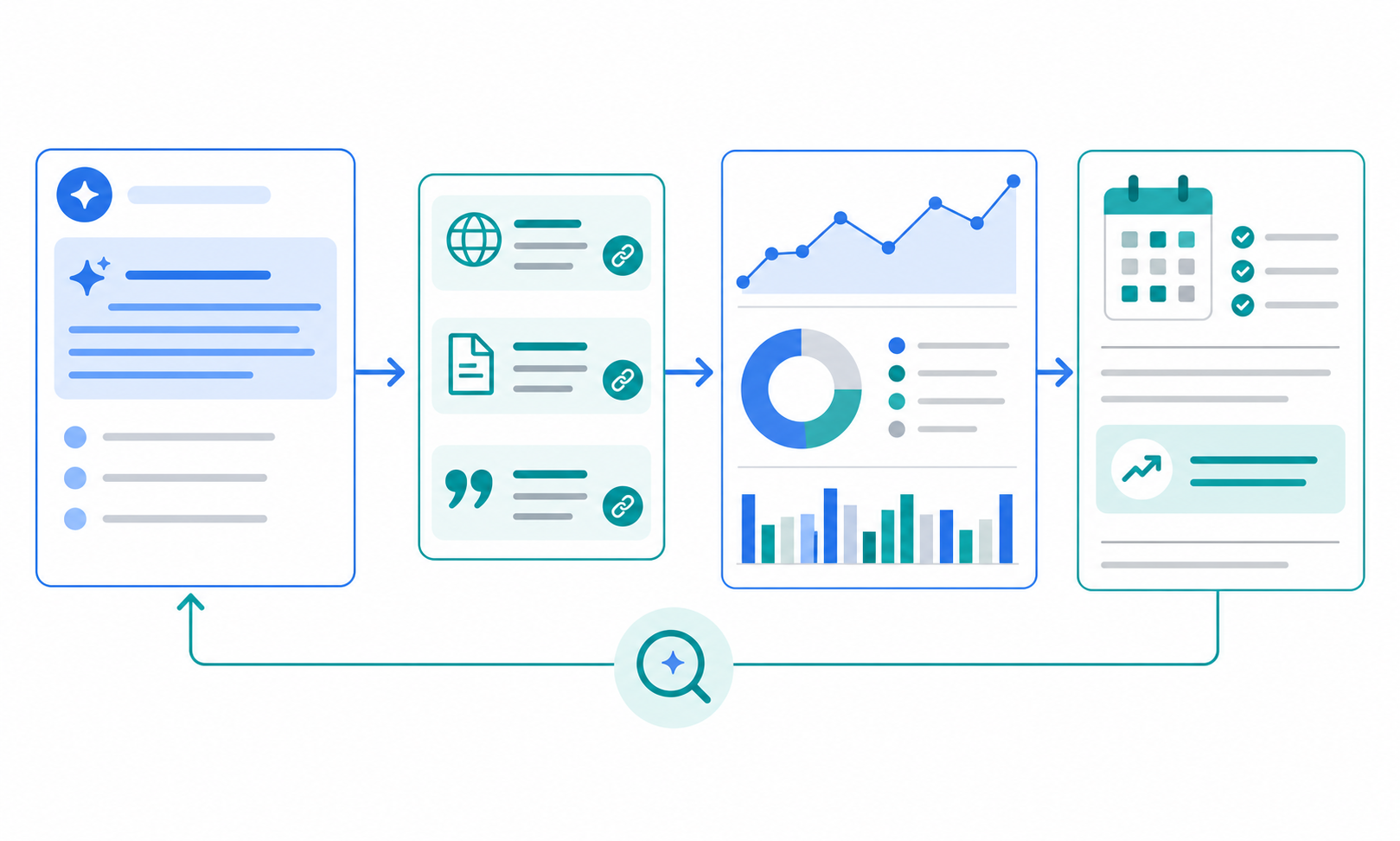
The short answer: track appearance, citation, and source evidence separately
- use Search Console when generative AI performance reports are available
- check a small fixed prompt set weekly instead of changing questions every time
- monitor the source pages that AI answers may rely on, not only the answer text
- treat AEO and GEO labels as secondary to solid SEO and evidence monitoring
- turn the findings into a brief that names the next page action
Google's guide to optimizing for generative AI features on Search says SEO fundamentals still apply because these features are grounded in Google's core Search systems. That means the practical work is not a separate bag of tricks. It is a tighter loop between content quality, source evidence, internal links, and visibility measurement.
Why AI search visibility is difficult to track
Traditional position tracking does not fully explain AI search surfaces. Three things make the work harder.
| Challenge | What happens | Practical response |
|---|---|---|
| Answers are not fixed | wording and cited sources can change | keep the prompt set stable |
| The answer may satisfy the query before a click | CTR alone misses part of the value | separate appearance, citation, and downstream action |
| Multiple source pages shape the answer | your page competes with competitor pages, help docs, and media | monitor the surrounding source set |
Google's AI features and your website explains that AI Overviews and AI Mode show supporting links and may use query fan-out across related searches and sources. For monitoring, that means a single page's rank is only part of the signal.
Step 1: choose up to 15 queries to monitor
Do not start with every keyword in your SEO tracker. Start with a small set where AI answers could change how buyers discover or compare you.
| Query type | Example | What to learn |
|---|---|---|
| Problem discovery | "how to automate competitor research" | how the category is explained |
| Comparison | "AI research tools comparison" | whether you appear near competitors |
| Task workflow | "streamline market research report creation" | whether practical guides are cited |
The existing article on fixing low-CTR pages in Search Console covers classic click improvement. AI search monitoring adds three extra questions: did the page appear, what source evidence supported the answer, and did competitors gain or lose context?
Step 2: read Search Console's generative AI data carefully
When the generative AI report is available for your property, check these patterns weekly.
| Metric pattern | Why it matters | Next decision |
|---|---|---|
| pages with impressions | shows where AI search is finding your content | review the intro, headings, and internal links |
| impressions but weak clicks | may mean the answer satisfies part of the query | add click-worthy next-step value |
| declining impressions | may point to competitor or source-set changes | review surrounding sources |
| new pages appearing | may reveal unexpected intent | add related links or supporting sections |
Avoid treating the report as complete ground truth. Use Search Console as the starting view, then compare it with prompt checks and source-page changes before deciding what to rewrite.
Step 3: log manual prompt checks under the same conditions
Manual checks are useful only if they are comparable. A lightweight spreadsheet is enough if the fields stay stable.
| Field | How to use it |
|---|---|
| Date | when the check ran |
| Tool / surface | Google AI Overviews, AI Mode, Perplexity, or another surface |
| Prompt | the exact prompt text |
| Our brand/page | whether your brand, page, or URL appeared |
| Competitors | which alternatives were mentioned |
| Cited sources | URLs shown as citations or supporting links |
| Action | page to improve, link to add, or source to monitor |
The goal is not to archive every answer sentence. The goal is to decide whether your presence, source evidence, competitor set, or next page action changed.
Step 4: monitor the source pages behind the answer
AI search visibility does not depend only on your own site. Category definitions, comparison posts, competitor help pages, pricing pages, release notes, and official platform docs can all shift the context around an answer.
Use Stratum Flow as a public-source monitoring layer, not as a promise that it can force or directly verify AI answer inclusion.
| Source set | What to watch | Stratum Flow setup idea |
|---|---|---|
| your core pages | missing headings, thin explanations, weak internal links | use a Seed URL for your article or resource hub |
| competitor product pages | category language, feature framing, pricing claims | split jobs by competitor |
| comparison articles and industry media | which products and criteria are included | summarize changes and evidence URLs weekly |
| official search documentation | reporting and search-feature changes | monitor official docs and blog updates |
Seed URLs: Usage and Examples and How to Write Effective Research Instructions help keep the source set and output format stable.
Step 5: turn the findings into a four-field weekly brief
AI search monitoring can become noisy quickly. Keep the weekly brief short.
| Field | What to capture |
|---|---|
| Visibility change | change in your appearance, citations, or competitor presence |
| Evidence | Search Console view, prompt check, or source URL |
| Interpretation | what the change may mean |
| Next page action | page to rewrite, link to add, or source to keep watching |
A Stratum Flow research instruction can start like this:
Summarize public-source changes that may affect AI search visibility. Use Visibility change / Evidence URL / Interpretation / Next page action. Separate facts from assumptions and return only the three highest-priority changes.
This keeps the workflow compatible with the weekly brief structure in How to Turn Market Signals Into a Weekly Brief for Decisions.
Common pitfalls
1. Treating AEO or GEO as a separate operating island
Google recognizes terms like AEO and GEO, but its Search guidance frames generative AI visibility as part of the broader search experience. If the AI-search work is separated from normal SEO, page quality, internal links, and source credibility usually fall through the cracks.
2. Changing the prompt every time
If the question changes every check, you cannot tell whether the answer changed or the input changed. Start with a small fixed prompt set, then revise it quarterly when your category or product positioning changes.
3. Counting citations as the only win
Appearing in an AI answer is not the same as creating business value. Track citations, clicks, registrations, qualified inquiries, and sales enablement separately.
4. Ignoring the source set
If you only look at the AI answer screen, it is hard to explain why visibility changed. Competitor messaging, comparison-page updates, and official documentation changes often provide the missing context.
When Stratum Flow fits well
- you want to monitor source pages that may influence AI search answers
- you need weekly summaries of competitor category language, pricing claims, help docs, or release notes
- you want to compare Search Console movement with public-source changes
- you want AI-search visibility notes delivered to Slack or Teams before a weekly SEO or marketing meeting
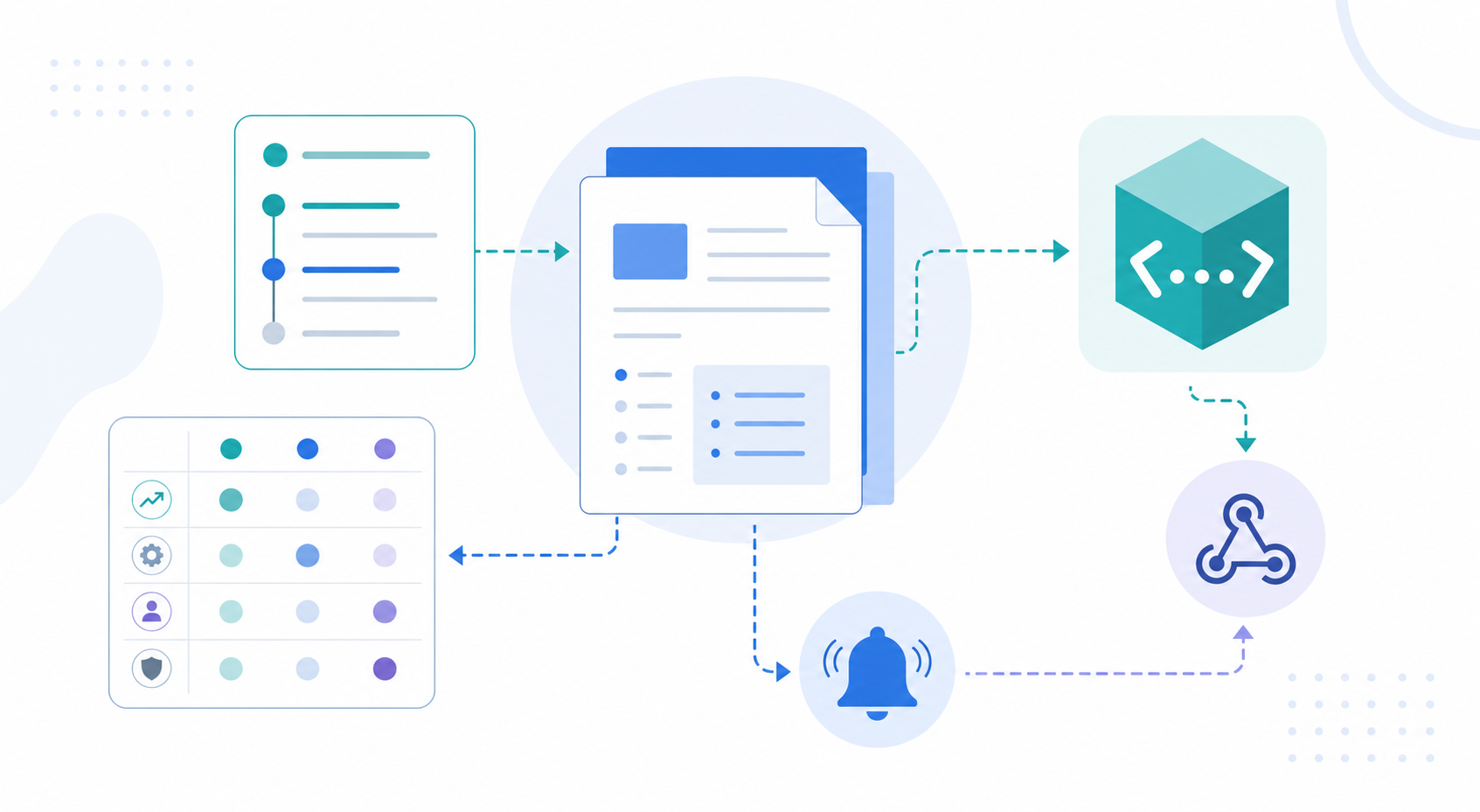
Start with one watch theme in Dashboard Overview and Basic Settings, then use Webhook Setup only for high-priority changes.
Summary
AI search visibility is hard to judge from rankings or answer screenshots alone. A practical workflow separates appearance, citation, and source evidence, then combines Search Console, fixed prompt checks, and public-source monitoring into one weekly brief.
The safest approach is not to chase AEO or GEO as a disconnected tactic. It is to connect existing SEO improvements with a repeatable view of the sources shaping AI answers.
Next step
Try Stratum Flow for free and start monitoring AI-search source pages