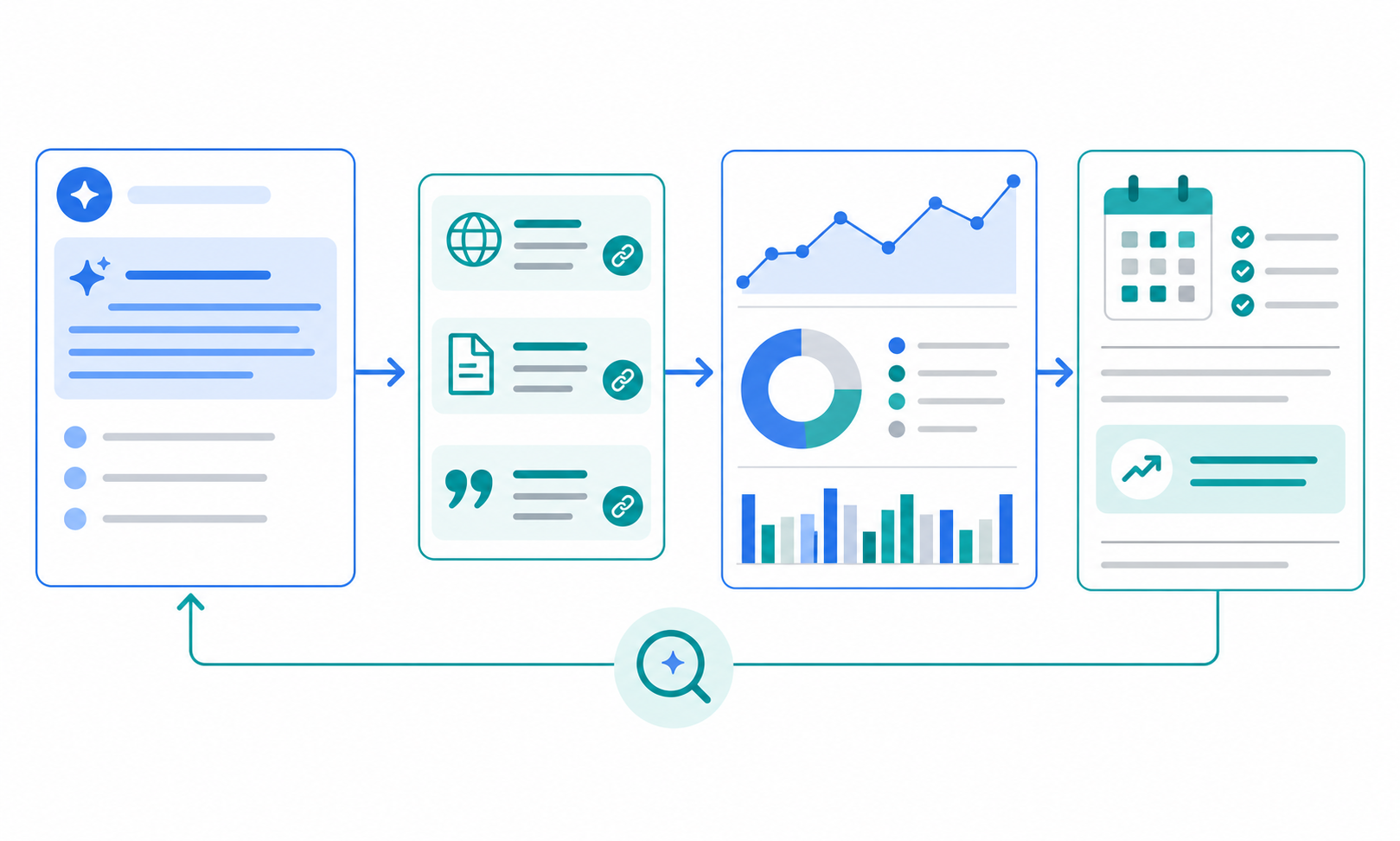
Small SaaS teams often collect market signals without turning them into a weekly decision brief. Pricing moves, new case studies, partner announcements, and offer changes may get shared in chat, but they do not always become a clear view of what the team should revisit this week.
This article explains how to turn scattered market signals into a weekly brief that supports marketing and business planning decisions. The focus is not on how to start monitoring from scratch. It is on how to turn raw signals into a weekly brief the team can actually use to make decisions.
The short answer: organize signals by decision, not by source
If you want a weekly brief to help the team decide something, each important signal should include four things:
- what changed
- what evidence supports it
- which decision area it affects
- what someone should check or do next
That structure turns a stream of updates into a brief that can actually guide meetings and near-term priorities.
Why market signals often fail to become a weekly brief
The problem is usually not signal collection. It is the missing conversion step between collection and decision support.
For lean teams, the breakdown usually looks like this:
- there is a list of updates, but no ranking by importance
- evidence links are missing, so nobody can verify the claim later
- the team cannot tell whether the change matters to marketing, sales, or business planning
- chat notifications disappear before they make it into a weekly meeting
- the report format shifts every week, which makes comparison difficult
If you still need to design the monitoring layer, How to Start a Recurring Market Watch is the right starting point. This article picks up after that stage and focuses on the weekly brief itself.
Step 1: define up to three decision buckets first
Market signals can expand endlessly unless the brief has a fixed destination. For many small SaaS teams, three buckets are enough to start.
| Decision bucket | Signals to watch | What the weekly brief should help decide |
|---|---|---|
| Messaging | landing page updates, new case studies, wording changes | landing page copy, campaign angle, sales talk track |
| Segment priority | vertical case studies, partnerships, hiring direction | which customer segment deserves more attention |
| Pricing and offer | pricing changes, plan names, free-tier updates | comparison language, packaging, and offer framing |
This makes it easier to keep only the signals that may change what the team does next.
Step 2: turn each signal into a brief card
Use a stable source workflow such as the one in How to Run a Public Web Research Workflow, but do not paste raw findings directly into the brief. Instead, convert each meaningful update into a simple card.
If you use Stratum Flow, it helps to align the scheduled output with these same card fields so the weekly brief is easier to assemble.
| Field | What to capture | Typical size |
|---|---|---|
| Change | the update in one line | 1 sentence |
| Evidence | URL, changed page, date | 1-2 links |
| Interpretation | what the move likely means | 1-2 sentences |
| Affected team | marketing, sales, business planning | one or more |
| Next action | who should check or decide next | 1 line |
This format helps the team rank signals by likely impact instead of by how dramatic the headline sounds.
Step 3: keep the weekly brief in four fixed sections
How to Streamline Market Research Report Creation explains how to standardize a longer report. For a weekly brief, the structure should be even tighter so the output is easy to use in a meeting.
For small teams, four sections are usually enough to start:
- Three important signals this week
- Interpretation and impact for each signal
- Decisions or questions that need discussion
- Items to keep watching next week
This sequence keeps the document short while still moving from observation to implication and then to action.
Step 4: rewrite the signal as a decision memo
Signals become useful when they stop reading like observations and start reading like operating notes.
| Raw signal wording | Decision memo wording |
|---|---|
| A competitor updated its pricing page | Pricing positioning may be shifting, so the team should review this week's comparison language in sales material |
| More case studies now target a specific segment | Segment focus may be changing, so paid acquisition and landing page priorities should be rechecked |
| Partner announcements keep appearing | Channel emphasis may be increasing, so partner-led demand plans should be reviewed this quarter |
The important move is simple: add one line that says what the team may need to reconsider because of the signal.
Step 5: bring only two or three discussion points into the weekly meeting
Small-team meetings break when too much information enters the room. The full brief can be shared for reference, but the discussion list should stay short.
Pick only the items that meet at least one of these conditions:
- the signal could change a decision in the next two weeks
- multiple signals point in the same direction
- someone needs to confirm, reject, or act on the implication
This keeps the meeting focused on what matters now instead of turning it into a long recap of everything the team noticed.
A compact example of the weekly brief
Even a small brief becomes more credible when it turns several signals into a short discussion list.
| Signal this week | Likely meaning | Discussion point | Owner |
|---|---|---|---|
| Two competitors published new case studies for the same vertical | interest in that segment may be rising | should we move that vertical higher in our landing page and paid messaging | Marketing |
| A pricing page changed its free-tier conditions | comparison points may have shifted | should sales material update the pricing comparison language this week | Business Planning |
| Partner announcements appeared twice in two weeks | channel strategy may be getting more important | should we revisit partner-led demand plans this quarter | Business Lead |
That level of detail is often enough to move from observation to an actual weekly decision discussion.
If you want to run this workflow in Stratum Flow
Stratum Flow can run scheduled jobs against Seed URLs and return structured output based on your research instructions. The setup is easier when the watch theme and output format are fixed from the start. Begin with Dashboard Overview and Basic Settings, then use How to Write Effective Research Instructions to shape the output fields.
For the first job, keep the scope small:
- choose one watch theme
- limit Seed URLs to the sources closest to that decision area
- require the output to include change, evidence, impact, and next action
- use the weekly run as the first draft of the brief
For a copy-ready prompt, start with something like this:
For each meaningful market signal, return Change / Evidence URL / Impact on our team / Next action. Limit the answer to the three most important signals this week, then end with the two discussion points we should bring into the weekly meeting.
That makes it clearer what to try first right after signup.
Common pitfalls
1. Keeping too many interesting but low-impact updates
A weekly brief should not try to preserve every market observation. If an item does not affect a likely decision, it probably belongs in an archive instead.
2. Sharing summaries without evidence
If nobody can quickly reopen the source page, the brief becomes harder to trust. This matters most for pricing, positioning, and release claims.
3. Ending the brief without an owner or next step
If the output stops at "worth watching," the same discussion tends to repeat next week. Assigning an owner or review point makes the brief operational.
Summary
To turn market signals into a useful weekly brief, the core structure is change, evidence, impact, and next action.
Once that pattern becomes standard, scattered monitoring work turns into a weekly decision-support habit a small SaaS team can actually keep.
Next step
Create a free account and set up your first job
- Create a free account
- Use Dashboard Overview and Basic Settings to create one weekly brief job
- Use How to Write Effective Research Instructions to require change, evidence, impact, and next action in every run
Related articles
- How to Monitor Supply Chain Risk Signals
- How to Monitor AI Coding Tool Updates
- How to Monitor AI Search Visibility and Citations
- How to Turn Competitor Price Monitoring Into a Weekly Pricing Brief
- How to Start a Recurring Market Watch
- How to Streamline Market Research Report Creation
- How to Run a Public Web Research Workflow