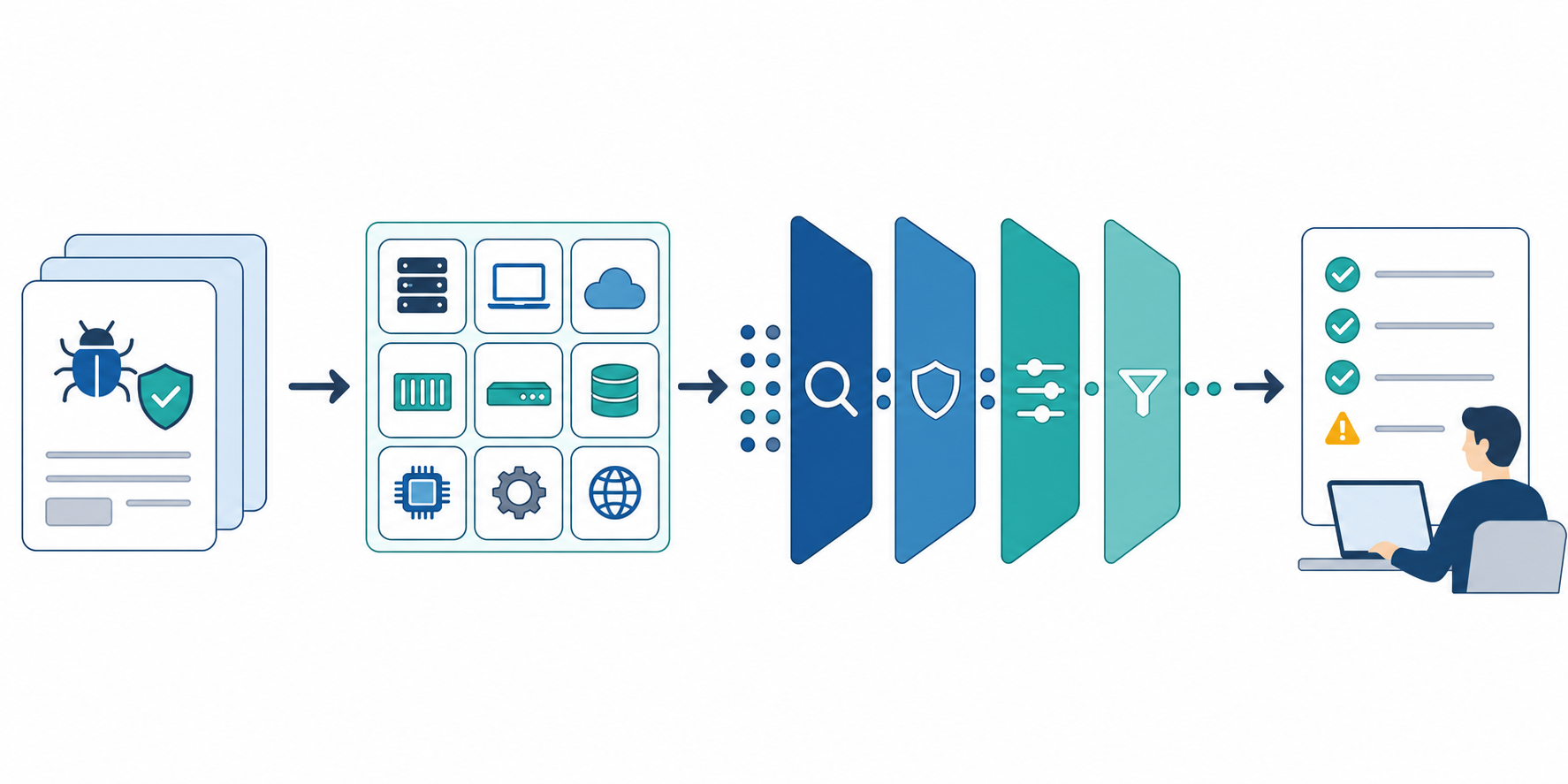
If Search Console shows /security at average position 1.0 with 4 impressions and 0 clicks, the sample is too small for a firm CTR conclusion. The more useful question is whether the search result tells the right evaluator what the page contains.
This article is separate from the homepage, /contact, API, and page-role CTR articles. It focuses on the trust and procurement intent behind a SaaS Security page: what an IT, procurement, legal, or business reviewer needs to confirm before they contact the vendor or approve a rollout.
The short answer: treat the Security page as the entry point to the trust package
- Use the title and description to show data handling, subprocessors, DPA, and the contact route, not just the word Security
- Put the service data scope, authentication, 2FA, API keys, retention, and subprocessors near the top
- Split procurement review across Security, Privacy, DPA, Business / Procurement, and Contact pages
- Do not imply certifications, audits, or controls that are not currently available
- With 4 impressions and 0 clicks, treat CTR as a hypothesis signal, not a result
A Security page should not rely on broad reassurance. It should help an evaluator decide what can be reviewed publicly, what needs a questionnaire, and where to send the next request.
Security intent is different from homepage, contact, and API intent
People who land on a Security page are usually not looking for a product pitch. They are trying to complete a pre-purchase review.
| Page | Primary reader | What the search result should answer | Next action |
|---|---|---|---|
| Homepage | Business user or owner | What the SaaS does and what can be tried | /register, use-case review |
/contact |
Sales, billing, contract, or support requester | Which human-assisted requests belong here | Send inquiry |
| API | Developer | Authentication, endpoints, and implementation order | Prepare API key, review docs |
| Security | IT, procurement, legal | Data handling, authentication, subprocessors, DPA | Review Security, DPA, questionnaire, contact |
If this role is unclear, the Security page can look like a generic trust statement, a support page, or a contract page without fully serving any of those jobs. Even when Search Console data is thin, the page role should be fixed first.
Step 1: Map procurement questions to public pages
Do not force the Security page to answer every procurement question. Security review usually includes contracts, billing, retention, subprocessors, support expectations, and the correct contact path.
| Procurement question | Best destination | What the page should answer |
|---|---|---|
| What data does the service process? | Security | Public web monitoring, instructions, target URLs, and report-generation assumptions |
| How are authentication and access handled? | Security | Firebase Authentication, 2FA, and API key handling at a summary level |
| Which subprocessors are involved? | Security and Privacy Policy | Firebase / Google Cloud, Stripe, OpenRouter, Serper / Scrappey, Resend, and their roles |
| How do we request a DPA or NDA? | DPA / Contract | Supported document requests, required information, and response targets |
| What about invoices, quotes, and procurement flow? | Business / Procurement | Billing, procurement, support, and SLA policy |
| Where do questionnaires and vulnerability reports go? | Contact form | Security review, DPA, vendor registration, and vulnerability contact route |
As of April 7, 2026, the Stratum Flow Security page separates security overview, data protection, retention policy, main subprocessors, and contact details. That structure is useful only if the search result and first screen make the review scope clear.
Step 2: Write the title and description for the evaluator
Security | Stratum Flow is clear, but it may be too thin for a procurement or security reviewer. Add enough detail to show what the page contains.
| Element | Weak version | Better direction | Why it helps |
|---|---|---|---|
| Title | Security | Security, Data Handling, and Subprocessors | Shows the review scope |
| Description | Security information for the service | Review authentication, 2FA, API keys, retention, subprocessors, and the DPA contact route. | Names the items an evaluator needs |
| Opening sentence | Security information for Stratum Flow | This page summarizes the data handling, authentication, subprocessors, and contact routes for Stratum Flow's public web monitoring service. | Connects the page to the service model |
The goal is not to make the page sound more mature than it is. If SOC 2, ISO 27001, audit reports, or penetration-test summaries are not available, the page should not imply that they are. Accurate scope is more useful than inflated trust language.
Step 3: Add a first-screen review checklist
Even if the page contains the right facts, evaluators need to see the review map quickly. A short checklist at the top helps them decide whether to continue reading, open another policy page, or contact the vendor.
| Review item | What to show near the top |
|---|---|
| Service data scope | Public web information, research instructions, target URLs, and report handling |
| Authentication | Email / Google login, 2FA, and API key storage policy |
| Transmission and retention | TLS, retention periods, deletion policy |
| Subprocessors | Vendor names and purposes |
| Contracts and questionnaires | DPA, NDA, security questionnaire, and vendor registration route |
This checklist should not turn the Security page into a long legal document. It should tell the reader what the page can answer and which related page handles the rest.
Step 4: Separate questionnaire and DPA paths from signup
The next step after reading a Security page is not always free signup. In procurement review, a DPA, NDA, security questionnaire, vendor form, or billing process may come first.
| Reader state | Route to show | Reason |
|---|---|---|
| They want to complete a public first-pass review | Security, Privacy, DPA, Business / Procurement | Lets the reviewer collect internal approval material |
| They need to send a questionnaire or customer paper | /contact with security review context |
Keeps the request in a human-assisted path |
| They want to try the product | /register |
Moves product evaluation into the self-serve path |
| They need API keys or notification details | API Reference and Webhook setup | Keeps implementation details out of the Security page |
The Security page does not need one universal CTA. Reviewers need DPA and contact paths. Product evaluators need signup. Developers need API docs. Each route should match the reason the reader arrived.
Step 5: Treat small Search Console samples as hypotheses
Average position 1.0 with 4 impressions and 0 clicks means the page has appeared in search results. It does not prove a CTR problem by itself.
Use this order instead:
- Check whether
/securityqueries lean toward security, trust, DPA, procurement, or privacy - Confirm that the title and description match the person behind those queries
- Review whether the first screen shows data scope, subprocessors, retention, and DPA route
- Check movement to
/en/enterprise,/en/legal/dpa, and/en/contact - Revisit changes over a 7 to 14 day window as hypothesis validation
For a low-impression page, overreacting to CTR can create churn. The first job is to make the page's review role clear enough that the next impressions are easier to interpret.
Common pitfalls
1. Hinting at certifications you do not have
Security pages often become too ambitious because teams want to build trust quickly. If a certification, audit, or control report is not available, state the current operating facts instead.
2. Leaving the data scope vague
For a public web research service like Stratum Flow, reviewers care about instructions, target URLs, collected public web information, and report generation. If that scope is vague, the same explanation will come back in questionnaires.
3. Mixing contract and billing details into Security
DPA, NDA, invoice billing, purchase orders, and SLA terms sit close to security review, but they do not all belong on the Security page. Keep Security as the trust entry point and use Business / Procurement and DPA pages for contract and purchasing detail.
4. Treating 4 impressions and 0 clicks as a failure
Four impressions are enough to create a useful editorial hypothesis, not enough to declare a page broken. Adjust the snippet, first screen, and internal routes, then wait for more query data.
When Stratum Flow fits well
- You want to monitor competitors' Security, DPA, Privacy, and Business pages every week
- You need to notice changes in subprocessors, retention language, AI usage, or contact routes
- You want to compare procurement review items across competitor public pages
- Marketing, sales, product, and legal need a shared report of trust-page changes
With Stratum Flow, use Seed URLs to register Security, DPA, Privacy, Enterprise, Status, and API docs as separate sources. This works well when the team needs a recurring view of public trust-page changes.
Summary
A SaaS Security page is not just a place to say the product is secure. It is the entry point that helps procurement reviewers find data scope, authentication, 2FA, API key handling, subprocessors, retention, and DPA contacts without guessing.
If /security has average position 1.0, 4 impressions, and 0 clicks, treat that as a small-sample prompt to review the title, description, first screen, and related-page routes for security, trust, and procurement intent.
Next step
Start by adding a first-screen checklist to /security: data scope, authentication, subprocessors, retention, and the DPA or questionnaire contact route. If you also want to monitor competitor trust pages, use Stratum Flow to fix those sources and run recurring research.
Start monitoring trust pages for free