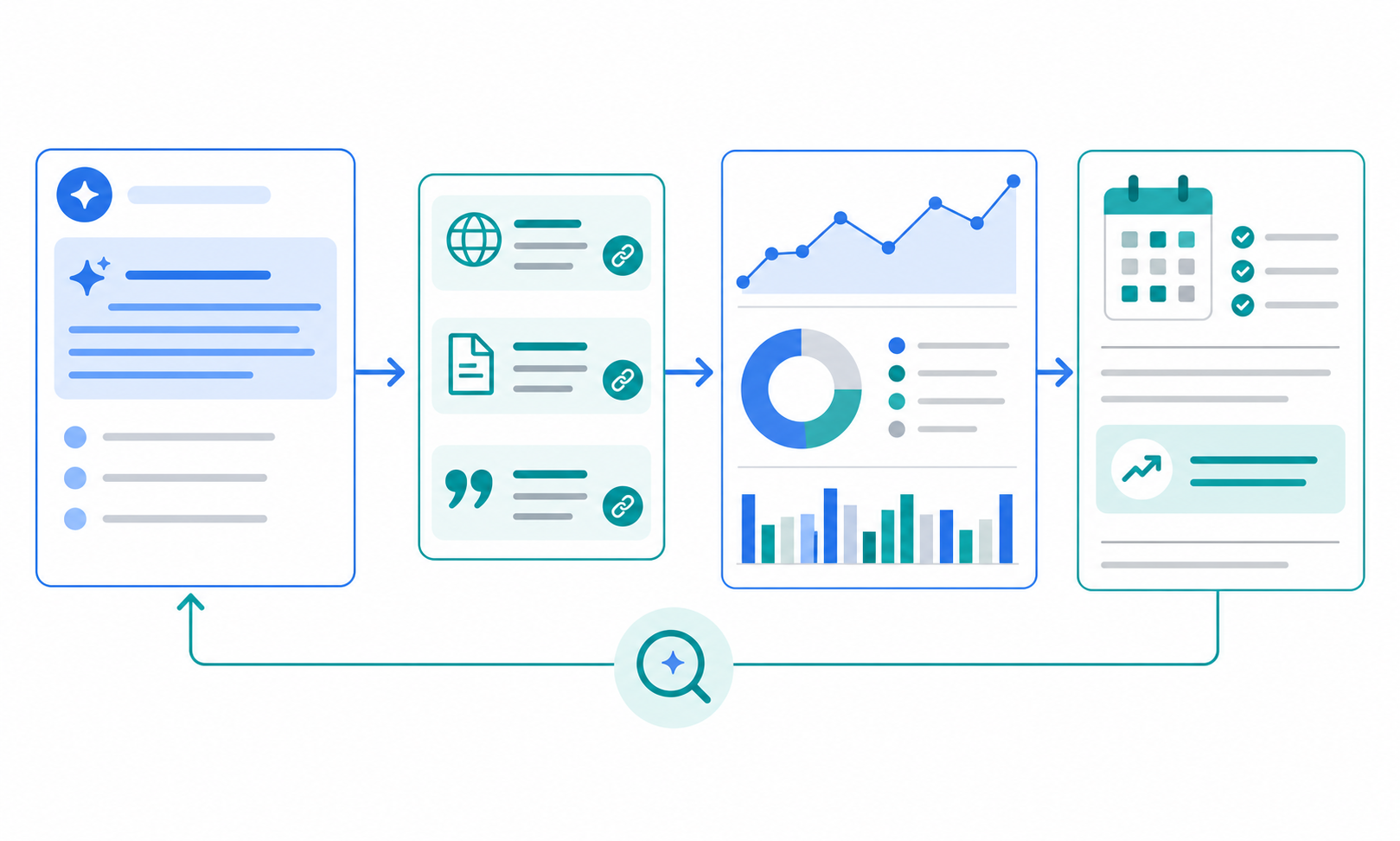
If you want competitive research to become a repeatable weekly or monthly process, the goal is not to automate everything. The practical approach is to separate collection, summarization, diff checking, notifications, and sharing.
This article outlines five ways to reduce manual work while keeping competitive research consistent.
The key idea: automate the work around the research
The most time-consuming parts of competitive research are usually not reading itself, but the steps around it:
- finding target pages again and again,
- picking out meaningful updates,
- summarizing the changes,
- turning them into a report,
- and sharing the result with the team.
Automating those steps gives your team more time to actually think about the findings.
1) Fix your targets with Seed URLs
The first step is to stop re-deciding what to monitor every time.
What to include
- competitor product pages
- pricing pages
- release notes
- careers pages
- blogs / news / announcements
Register them as Seed URLs and always collect from the same starting points.
Why it helps
- fewer missed updates
- consistent comparison points
- more reproducible research
Related help
2) Turn research instructions into templates
Automation breaks when instructions change too much from one run to the next.
Good instructions should include
- what you want to know
- what to compare
- which time range to check
- what counts as important
- what output format you need
Example
- compare pricing changes between Competitor A and Competitor B
- extract product announcements only
- summarize changes since last week
Templates keep research quality stable.
Related help
3) Use AI summaries to reduce what people have to read
One reason research does not stick is that teams try to read everything.
Better workflow
- collect the information automatically
- let AI summarize it
- read the changes first
- check the full details only when needed
What the report should answer
- what changed
- why it matters for your team
- what to check next
That lowers the cost of everyday monitoring.
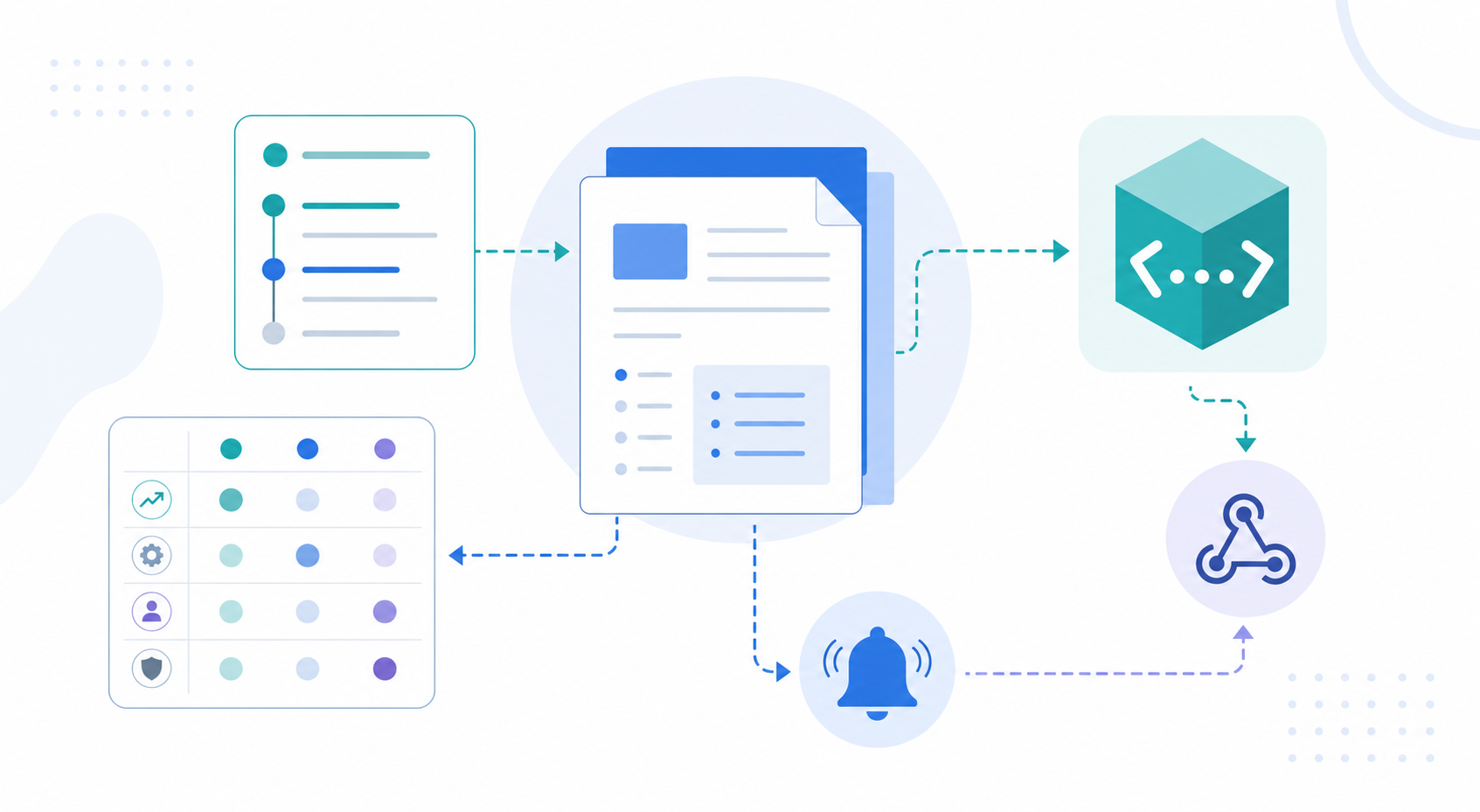
4) Use Slack / Teams notifications to avoid misses
A workflow that requires opening a dashboard every time is hard to maintain.
Good notification use cases
- price changes
- new feature launches
- hiring spikes
- campaign launches
- security / outage updates
Best practice
- keep the alert volume low
- send only important changes
- match the destination to your existing team workflow
Related help
5) Connect exports and APIs to existing workflows
The most useful automation is the one that flows into your current process.
Use cases
- PDF / Word: meeting notes and sharing
- TXT: lightweight editing and copy/paste
- API: internal tools, dashboards, custom workflows
Best for teams that
- report competitor movement in weekly meetings
- want to sync output into Notion, spreadsheets, or internal systems
- need a reusable format for multiple stakeholders
Related help
Common failure points in automation
1. Monitoring too many targets
Too much scope creates noise and makes the process harder to keep up with. Start with 3–5 themes.
2. Instructions are too vague
"Research the competitors" is not enough. State the exact items you want.
3. Notifications are too frequent
If alerts are noisy, the important changes get ignored.
4. Sharing is not defined
If there is no place to put the output, the research will not be used.
Who this is best for
- teams that want to run competitor research every week
- teams that want to reduce manual report writing
- teams that want research results to flow into team sharing
- teams looking for a Japanese-friendly tool
- teams that want notifications and APIs to fit existing workflows
Conclusion
The practical way to automate competitive research is to build it step by step: fix your targets, template your instructions, summarize the output, notify the team, and export the result.
Start with one theme and move it into a recurring monitoring workflow.
Next step
Related articles
- How to Improve High-Impression, Low-CTR Pages in Search Console
- How PMs Should Monitor Competitor Feature Releases
- How to Route Competitor Monitoring into Slack or Teams
- AI Research Tools Comparison Guide 2026
- SaaS Competitor Tracking Template for Small Teams
- How Small Teams Can Run Market Intelligence
- How to Run a Public Web Research Workflow
- Dashboard Overview and Basic Settings
- How to Write Effective Research Instructions